

Create Sessions to Track Streaks and Progress
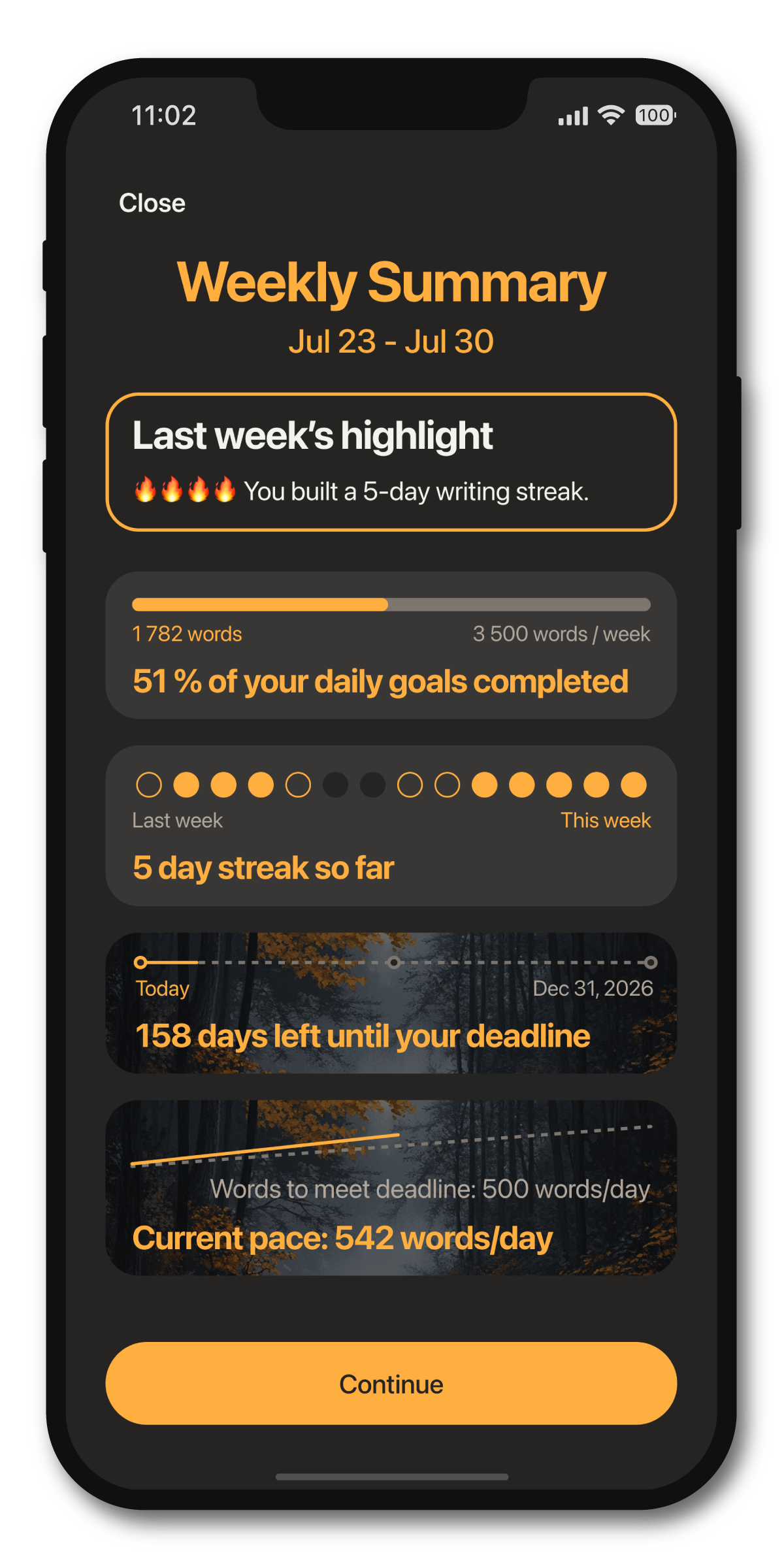
Daily Tasks
Complete daily tasks to stay on schedule and meet your deadline.
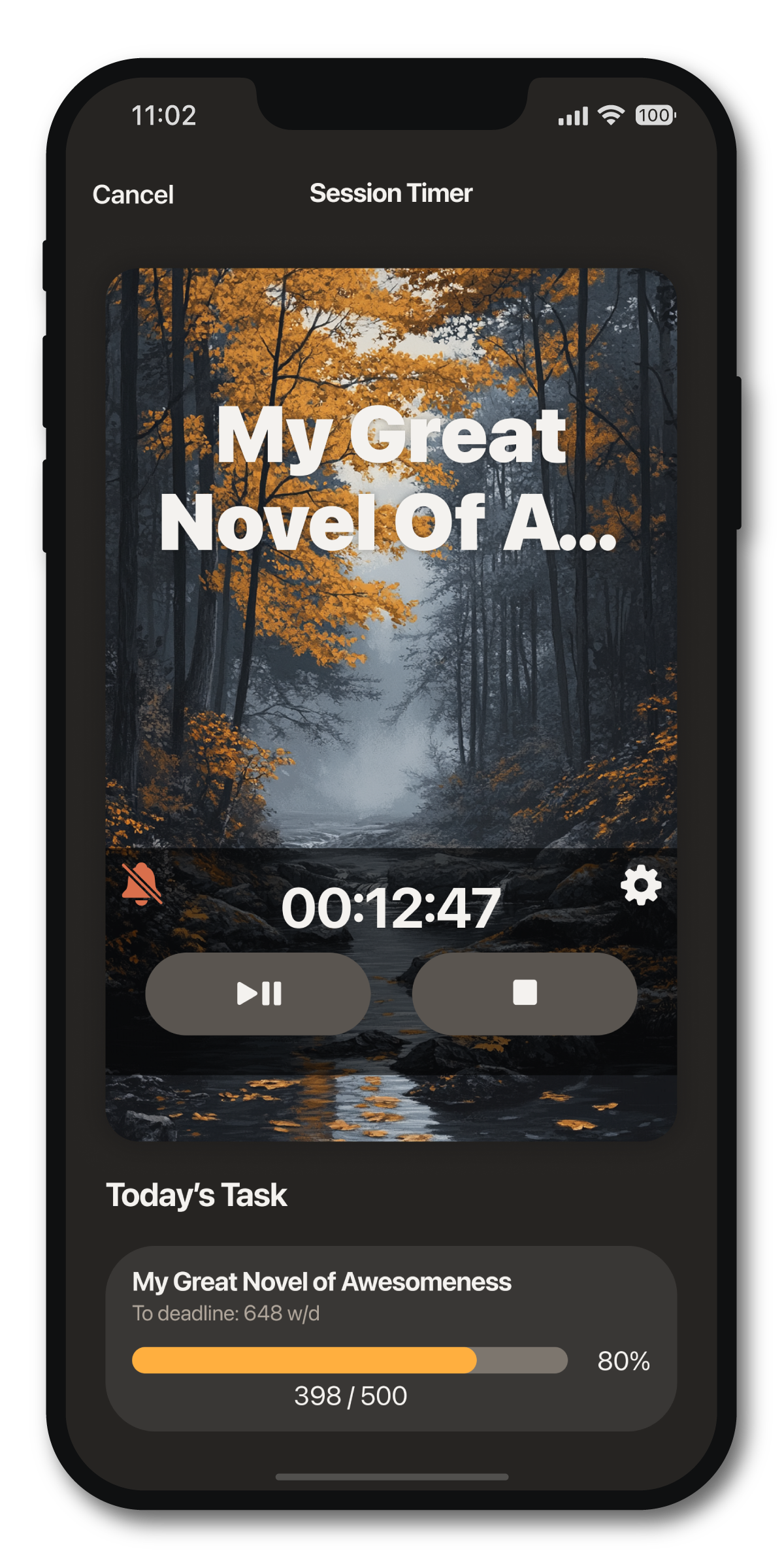
Session Timer
Use the timer to create sessions, or enter sessions manually.
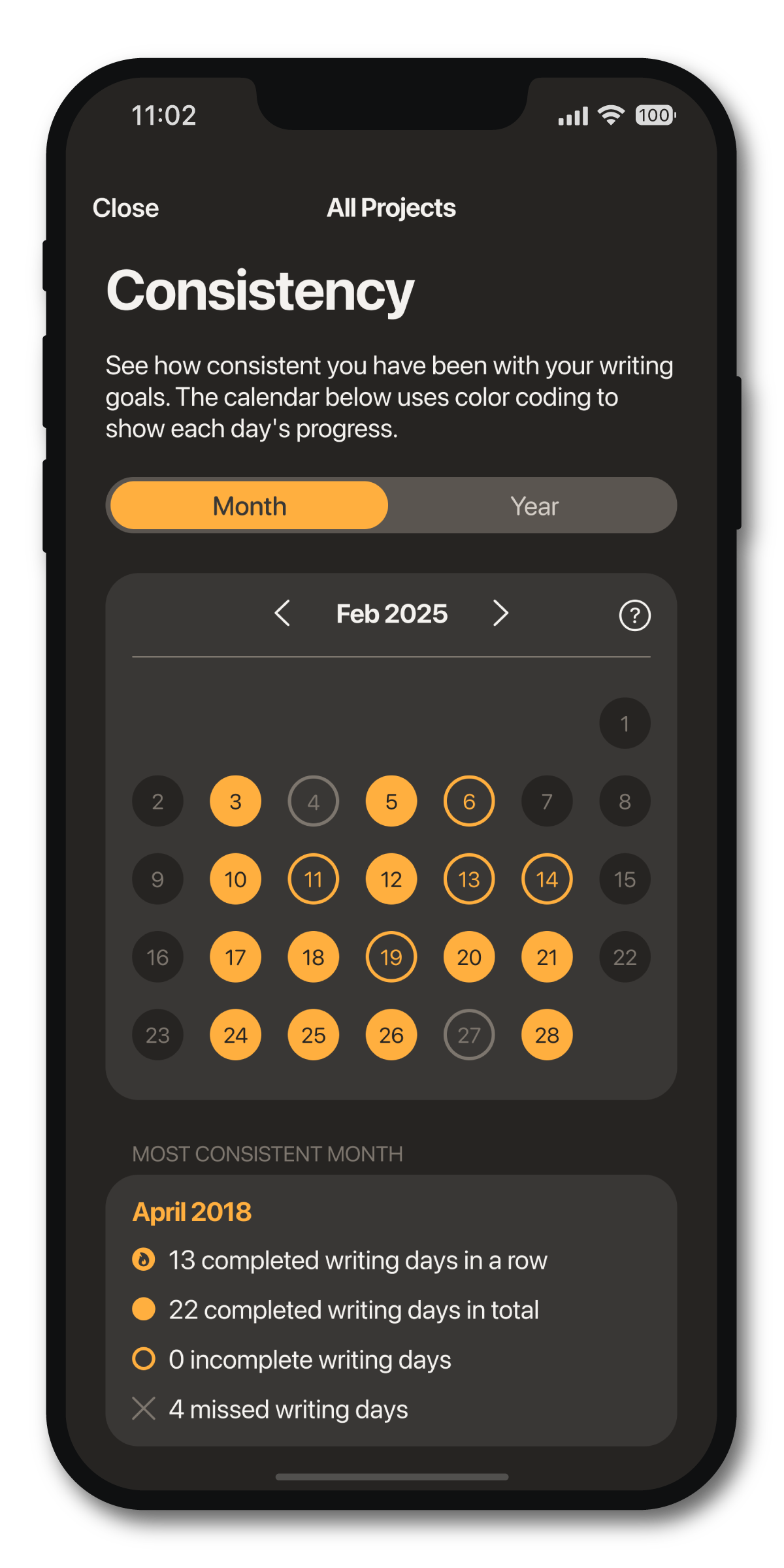
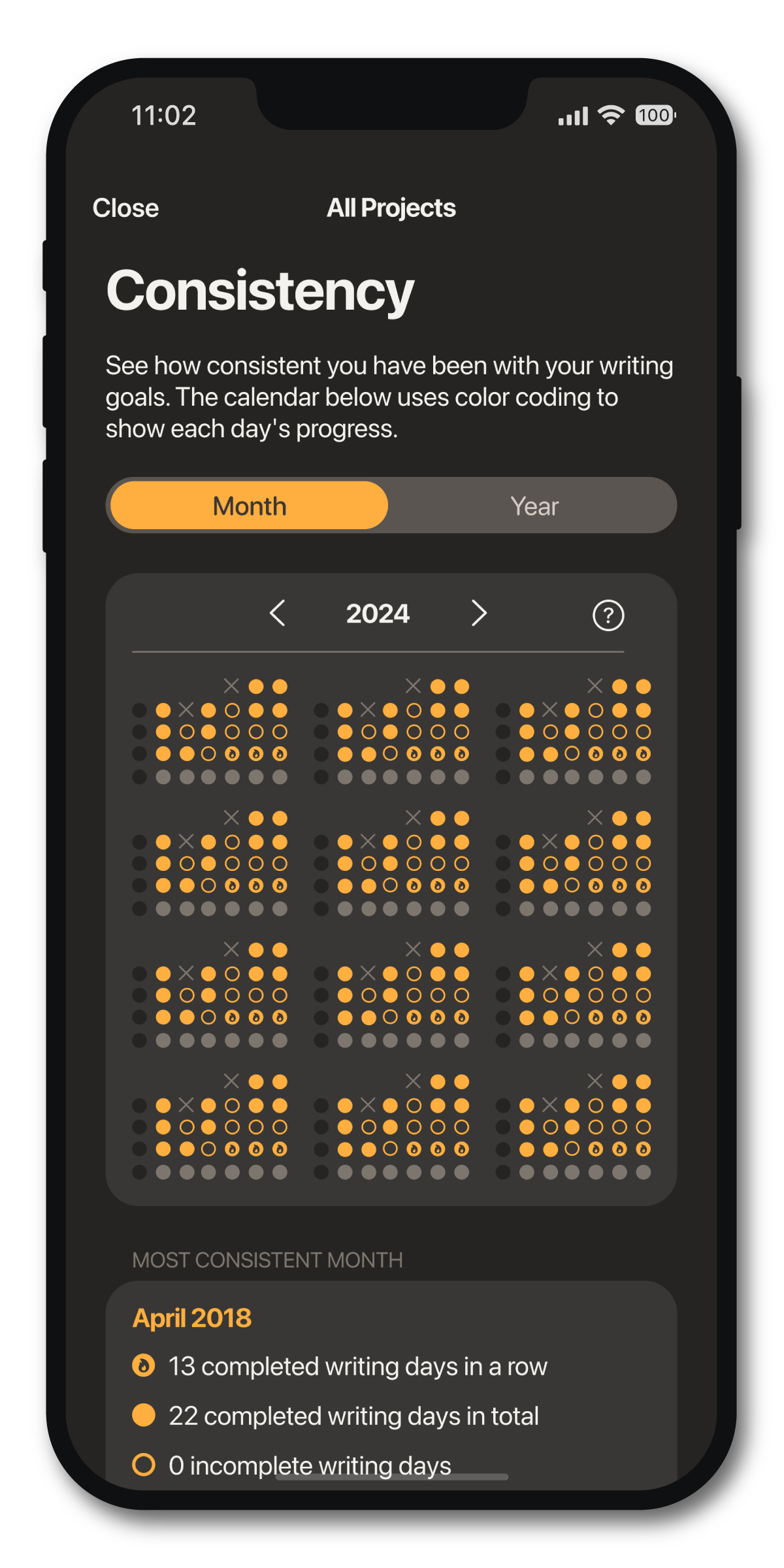
Streaks
See all your streaks and progress at a glance for the whole year or month.
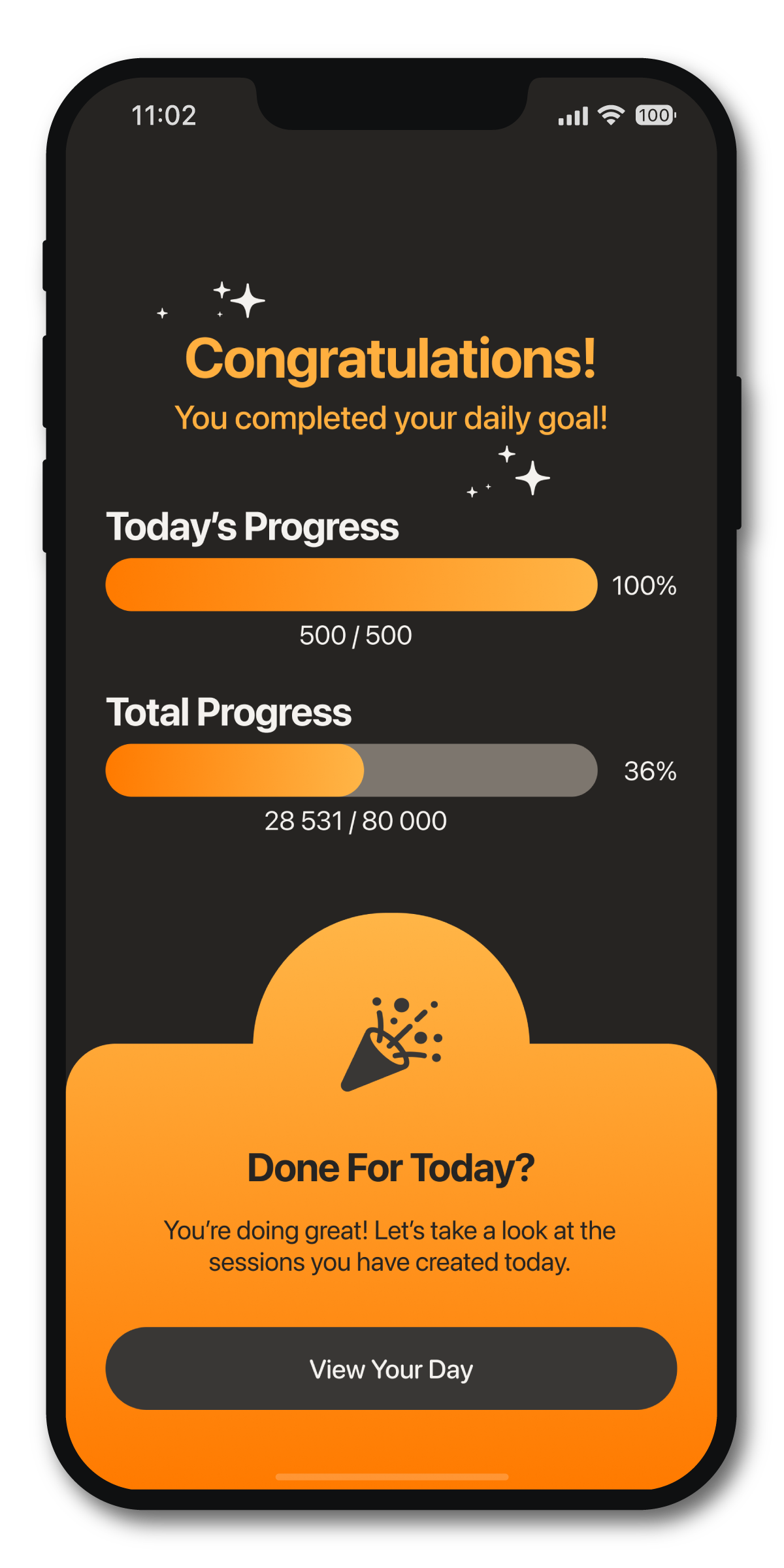
Celebrate
Celebrate every completed session for bringing you closer to your goal.
Join Thousands of Authors Thriving with Word Keeper
“I've tried a number of tools to track my word count, and this one is by far my favorite. It's easy to use, and it's helping me improve my speed.”
“This keeps a record of all my projects, it's the reason I got so disciplined at getting my words every day. I'd be lost without this app.”
“This app does exactly what you want it to do!! In fact, it will almost certainly exceed your expectations. I keep it on my home screen and use it basically every day. It's like a little accountability partner you carry around in your pocket. Love it!!”
“I've been using this app for years (ever since it was launched). It's always been slick and easy to use. The recent update gives the app a much needed glow-up and provides a lot more stats.”
“This is such a simple and perfect app to track writing progress. It has a clean interface and a clear concept, which ensures it is not over the top with needless features that overcomplicate.”
“The statistics are super cool, and I love being able to write in phases and see how much I'm getting done each time.”
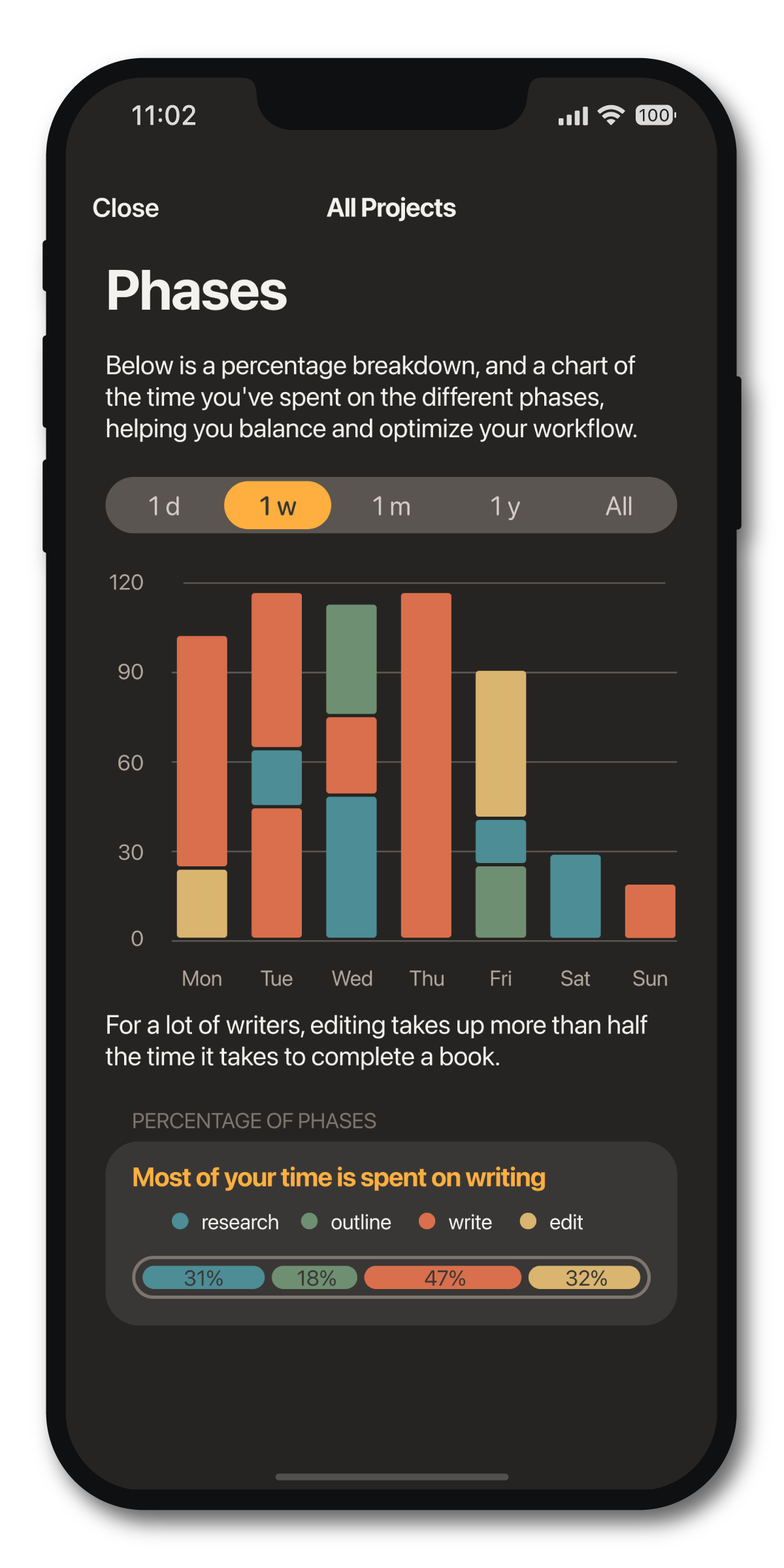
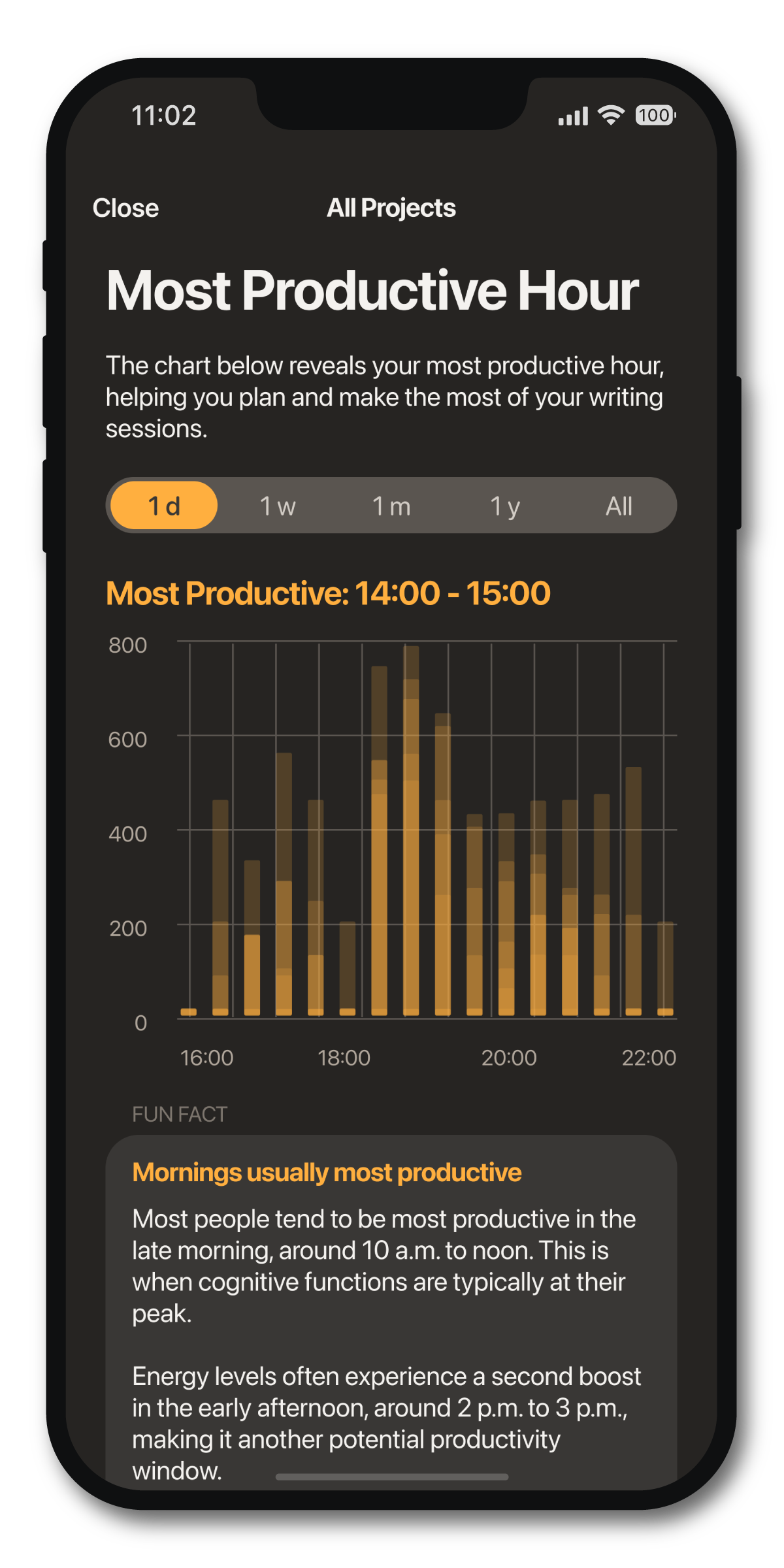
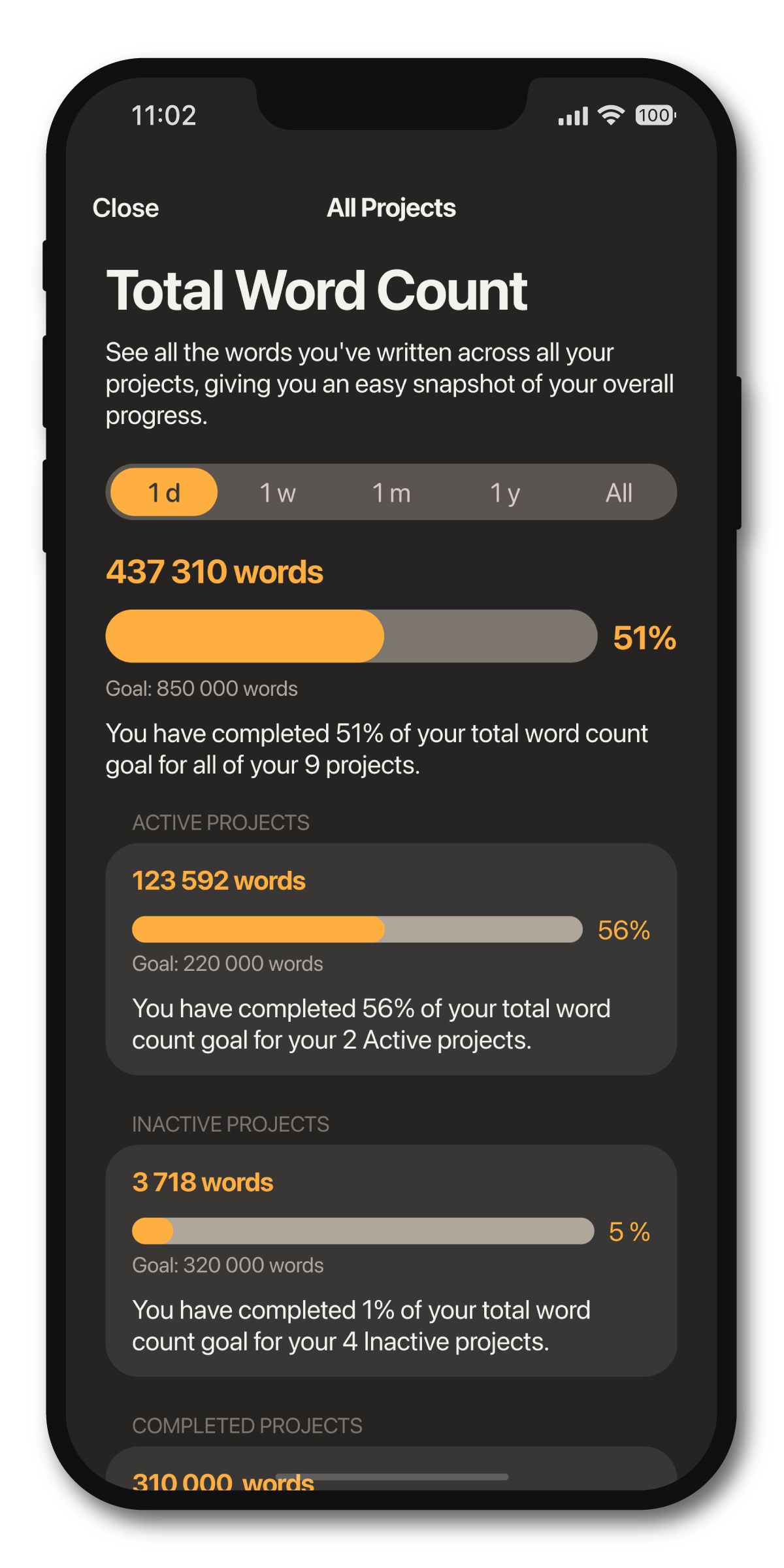
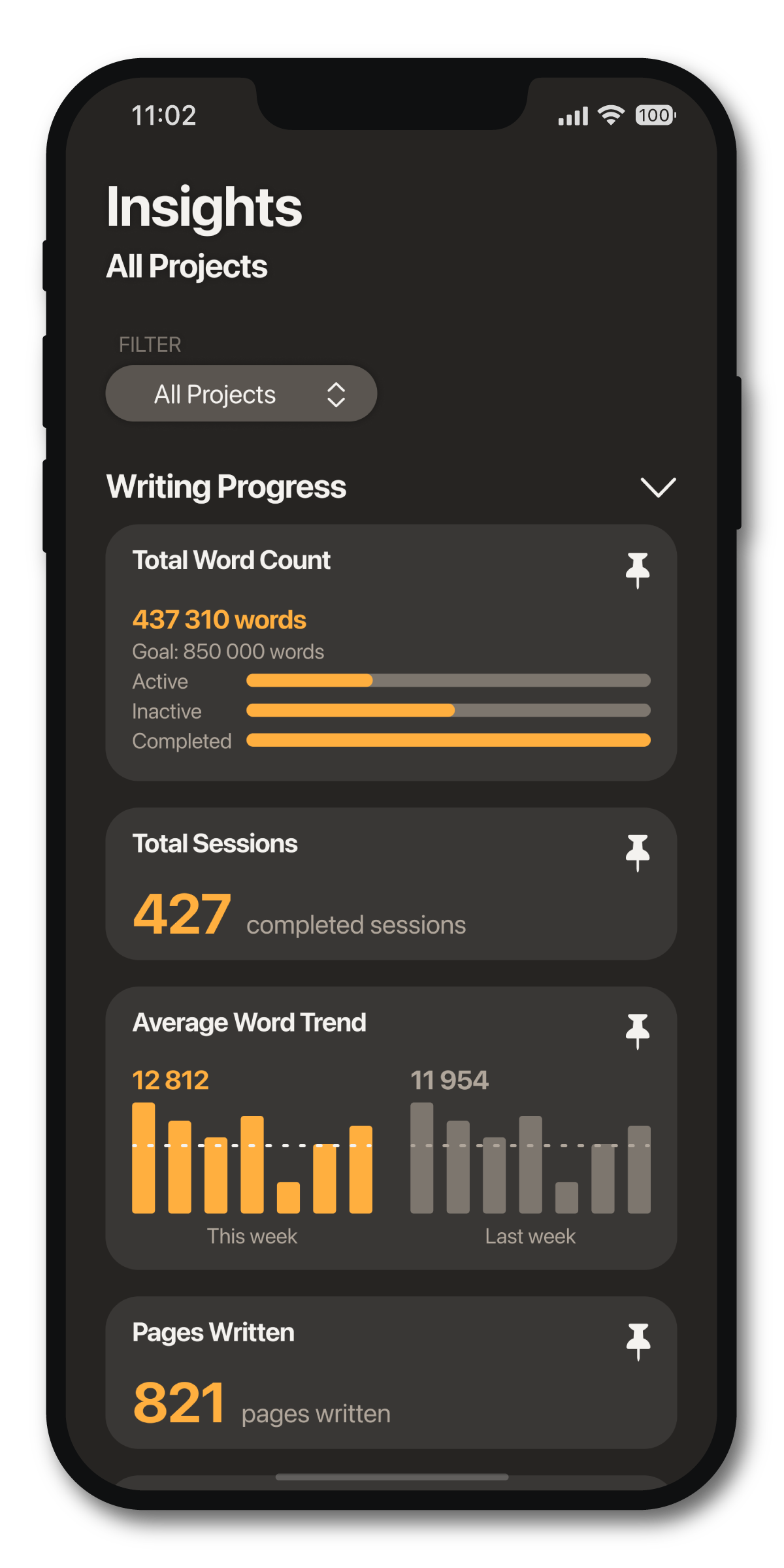
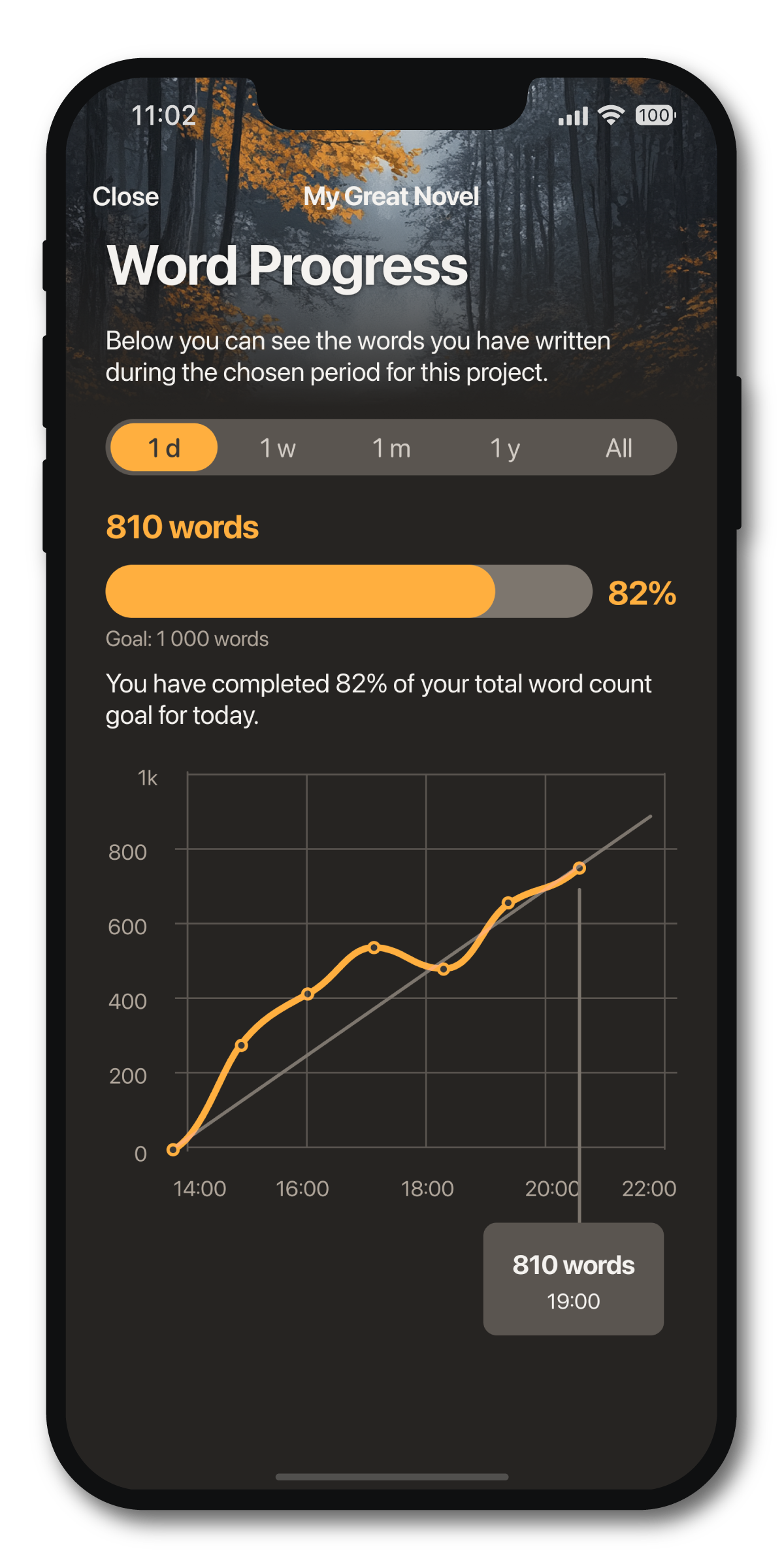
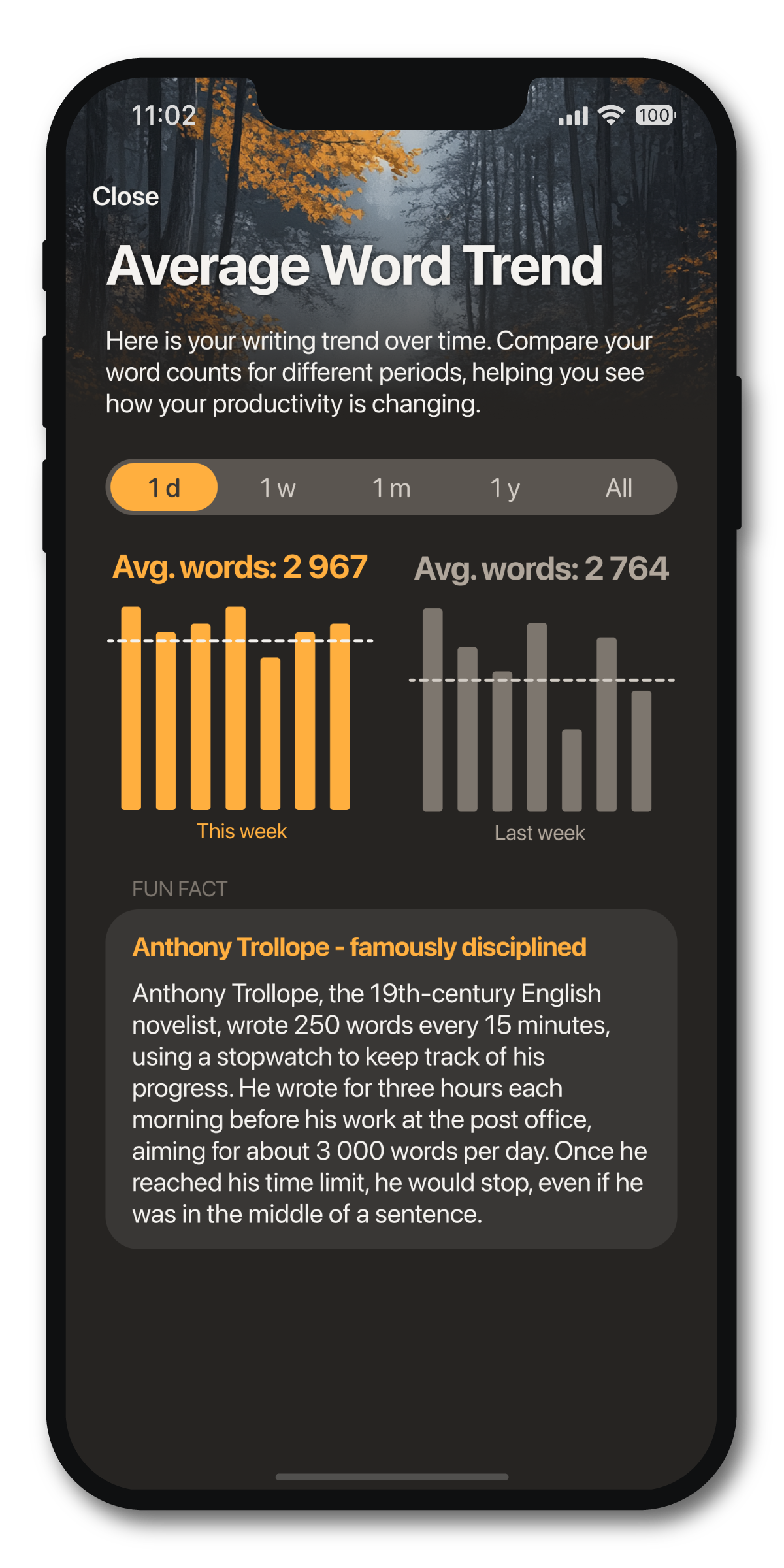
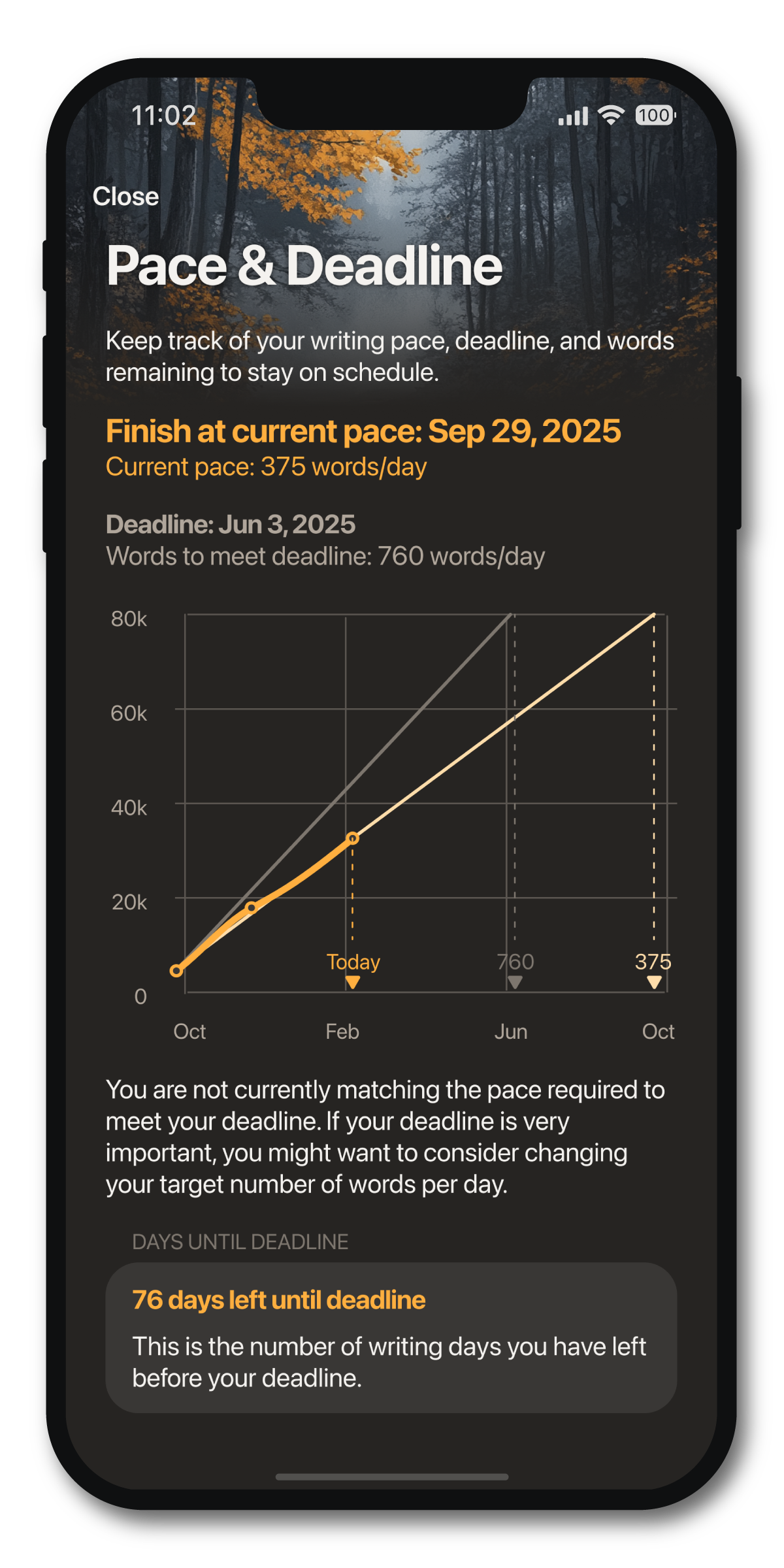
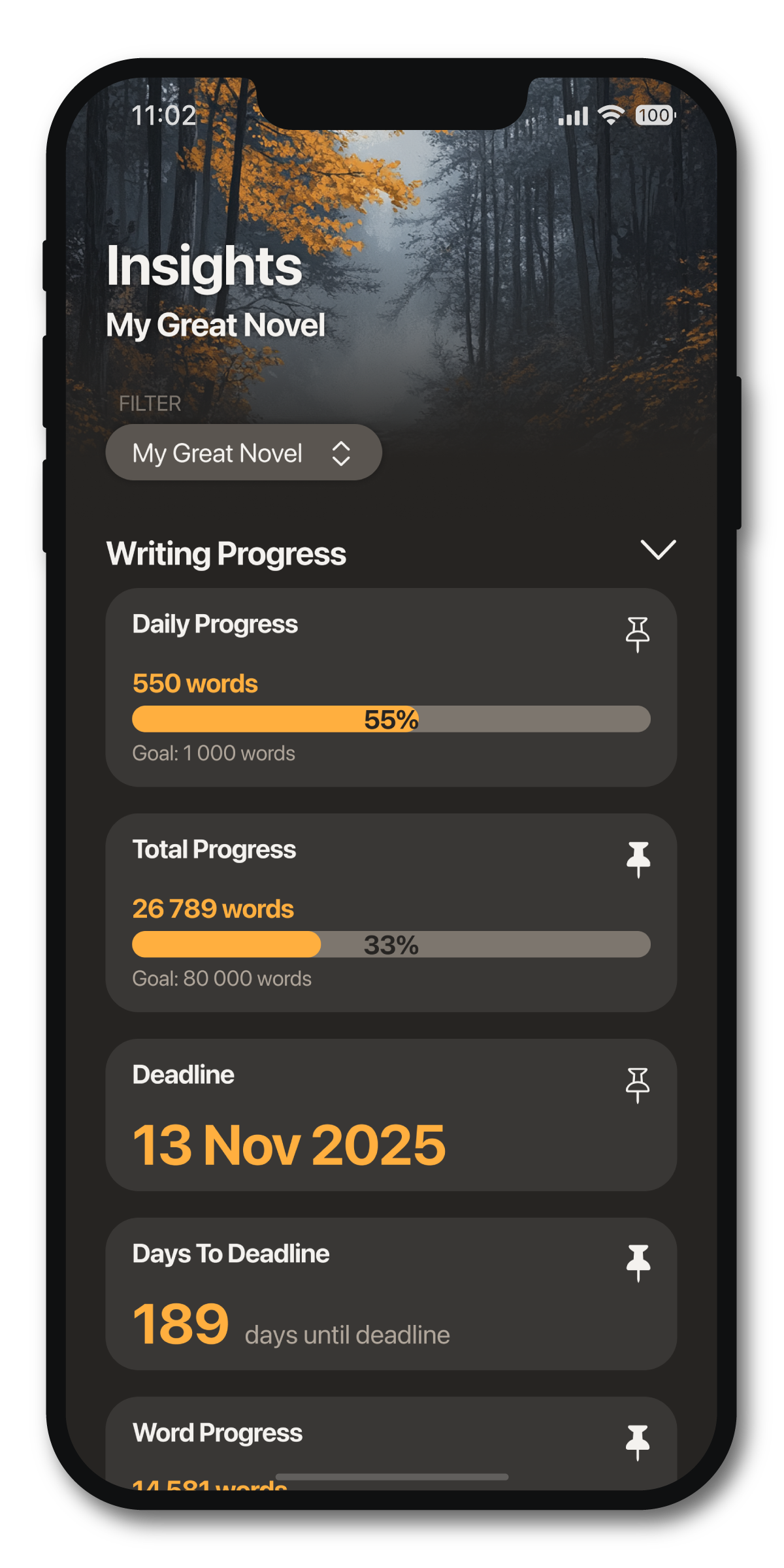
70+ Insights
Project Insights and Overall Insights
See detailed charts and graphs with information about your writing in your Insights. Pin your favorites to your Home tab.
History of Word Keeper
10 Years on the App Store
Word Keeper began not in a boardroom, but in the middle of writing a novel. One of our founders, an indie writer and professional digital designer, grew frustrated with the lack of functional tools to stay motivated and track her progress. So she partnered with the best developer she knew: her husband. Together, they decided to build the solution they couldn’t find.
That solution was the first version of Word Keeper, released over ten years ago. What started as a personal project quickly grew into a beloved app for thousands of writers.
Yet we still find ourselves in the same position: still writing, still passionate about the craft, and still in need of tools to support the creative process.
This realization brought us to a crossroads: either let Word Keeper be, or build something bigger. We chose bigger. We are now pouring our shared passion and experience into Writer Depot, with the vision of creating the one-stop platform for authors that we’ve always dreamed of.
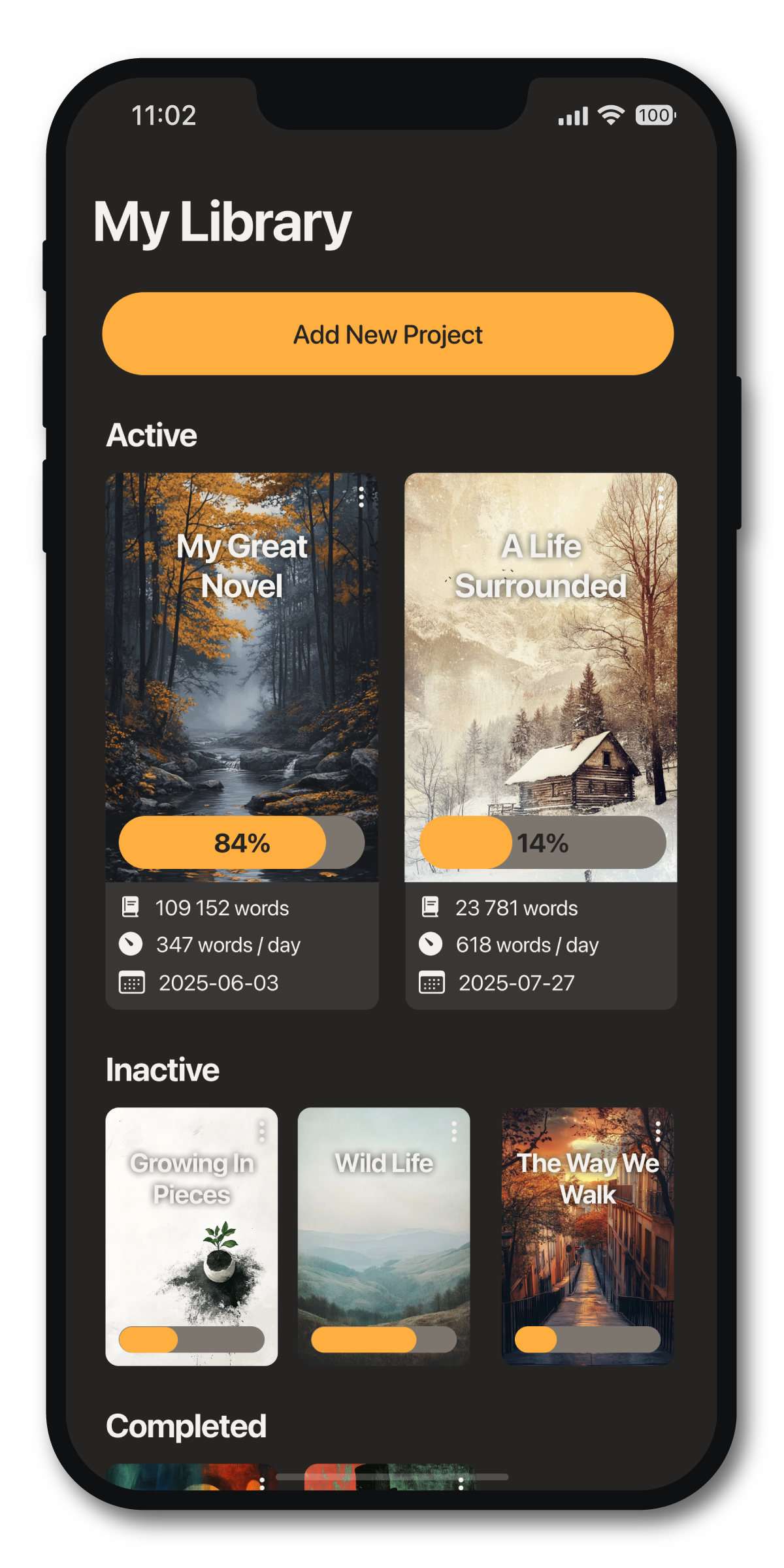
Unlimited Writing Projects
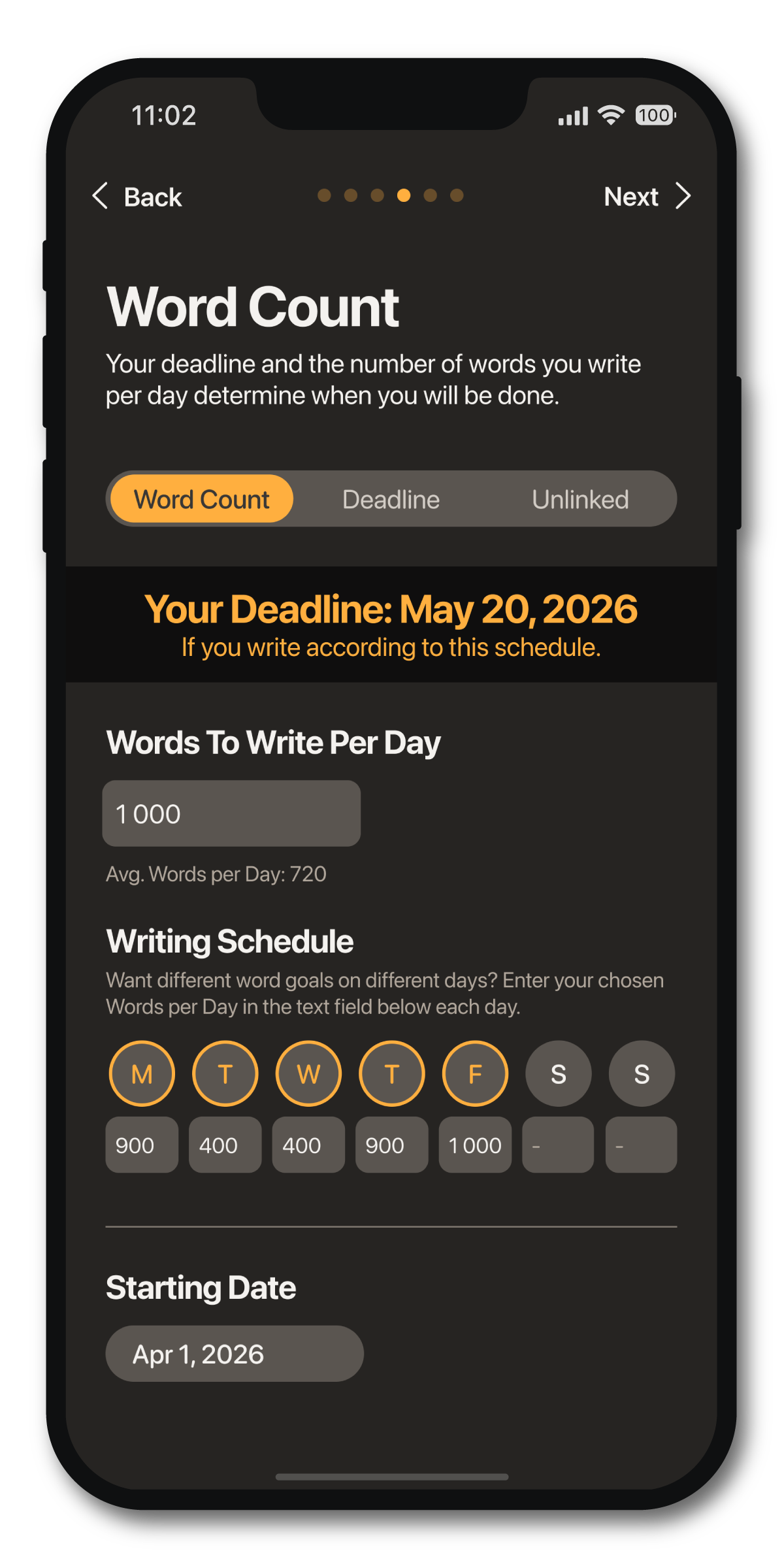
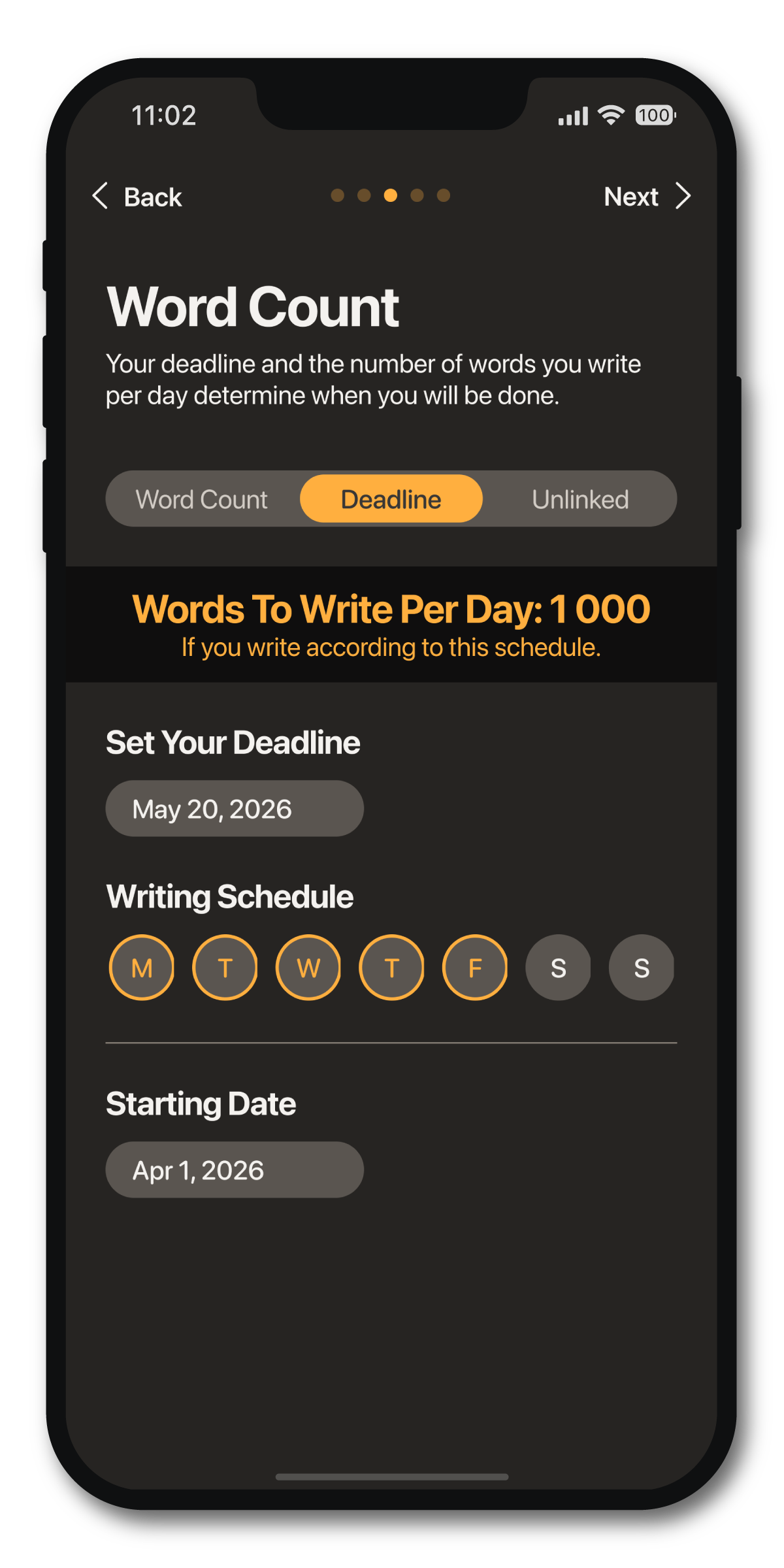
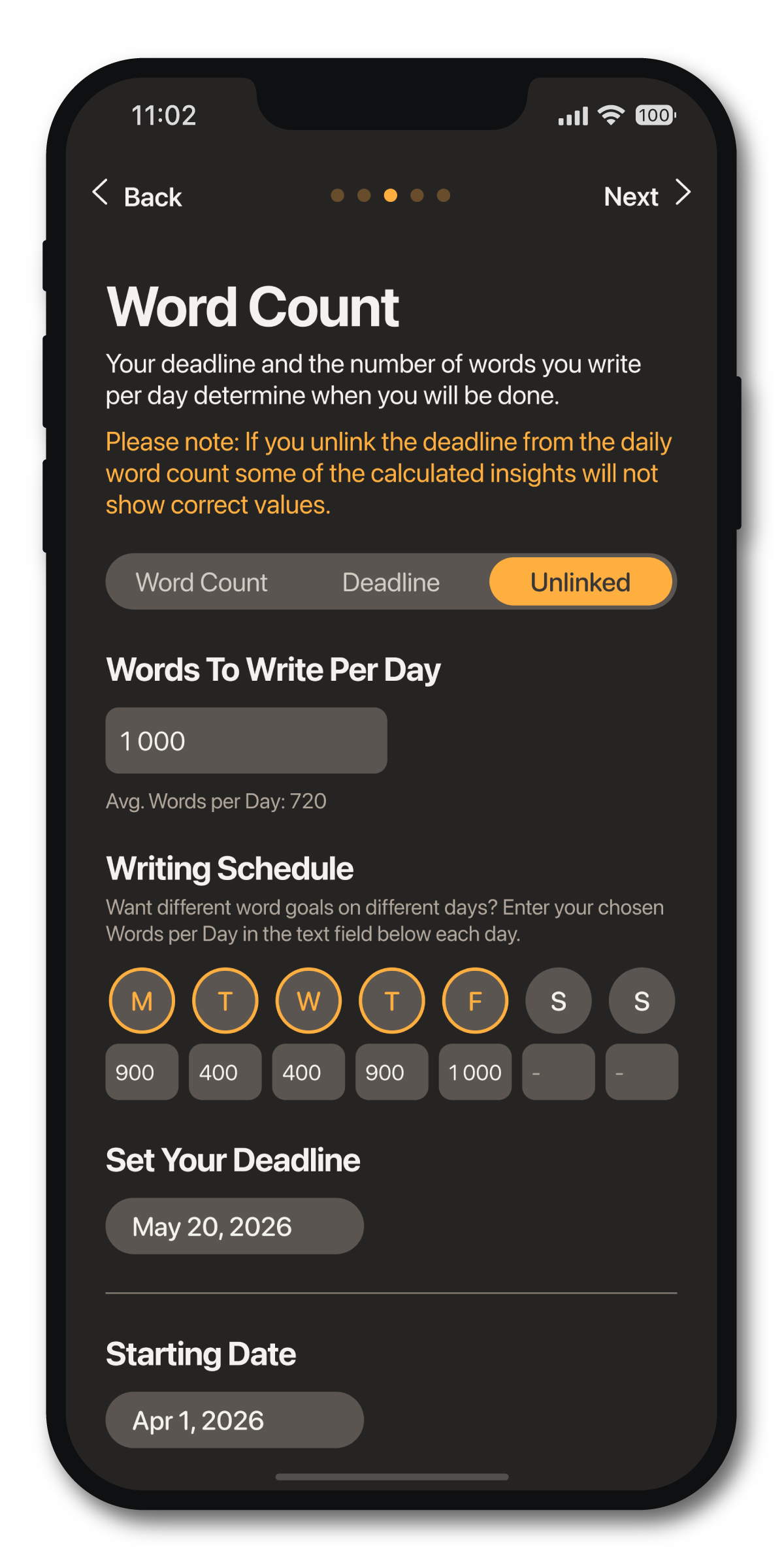
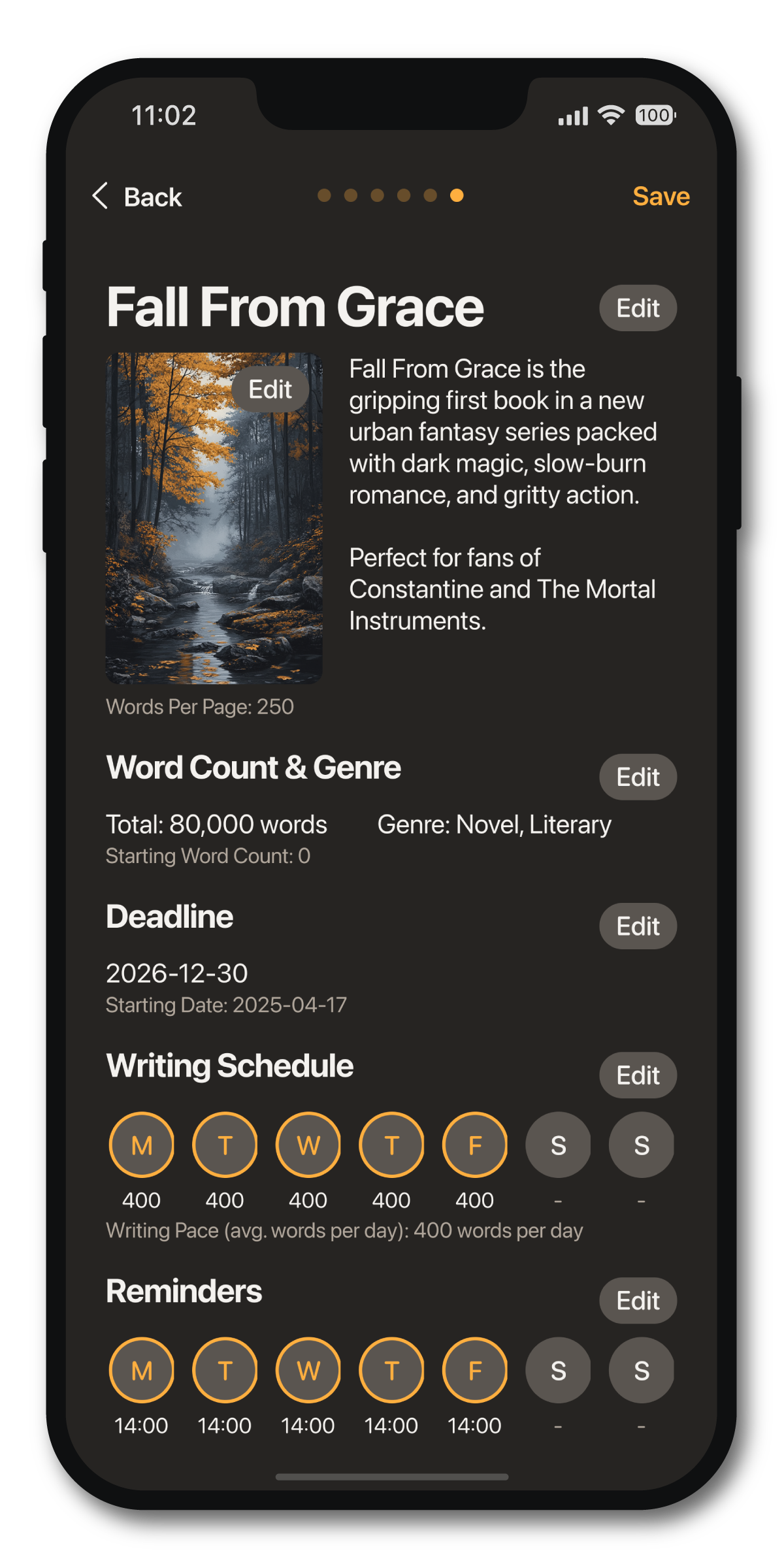
Deadline, Daily Word Count, or Neither (or Both)
Create your writing projects in the way that matters most to you, whether that means working toward a set deadline or with a daily word goal. Use your own cover images or select from our library. Set up reminders to establish a long-lasting writing habit.
Frequently Asked Questions
Yes, but extremly limited. You can only create a simple project and are not able to add sessions and your data will not sync between devices.